> For the complete documentation index, see [llms.txt](https://docs.oserosuite.com/llms.txt). Markdown versions of documentation pages are available by appending `.md` to page URLs; this page is available as [Markdown](https://docs.oserosuite.com/supported-assets/module-creator/how-to-use-5.2+/project-settings.md).
# Project Settings
Documentation for the Osero Suite: Module Creator update 1.1 (5.2+)
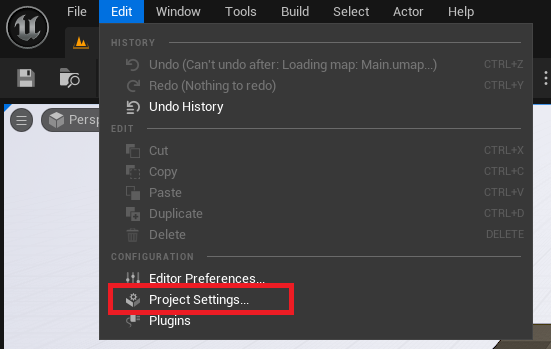
Access the Module Creator Project Settings by going to **Project Settings** > **Plugins** > **Osero Suite: Module Creator Settings**.
Here you can edit the default template for the Module Creator to use. Clicking the *Return to Default* button for **Default Module Tempate** will reset it to *OS\_MDC\_DefaultTemplate\_Data*.