> For the complete documentation index, see [llms.txt](https://docs.oserosuite.com/llms.txt). Markdown versions of documentation pages are available by appending `.md` to page URLs; this page is available as [Markdown](https://docs.oserosuite.com/supported-assets/plugin-sync-tool/how-to-use-5.2+/project-settings.md).
# Project Settings
Documentation for the Osero Suite: Plugin Sync Tool update 1.1 (5.2+)
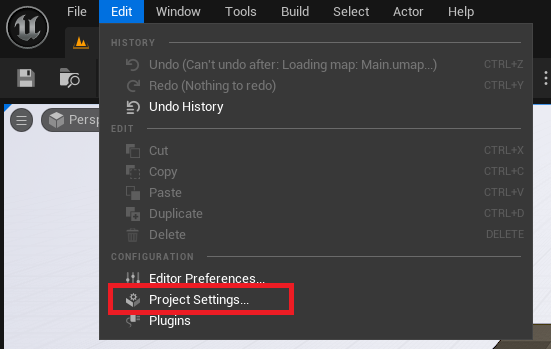
Access the Plugin Sync Tool Project Settings by going to **Project Settings** > **Plugins** > **Osero Suite: Plugin Sync Tool Settings**.
Here the colours for the selected/unselected plugins can be set in case red/green is not preferable.